
See your project in the browser
Use the file tree, previews, change review and terminal panel when you need to inspect context and code side by side.
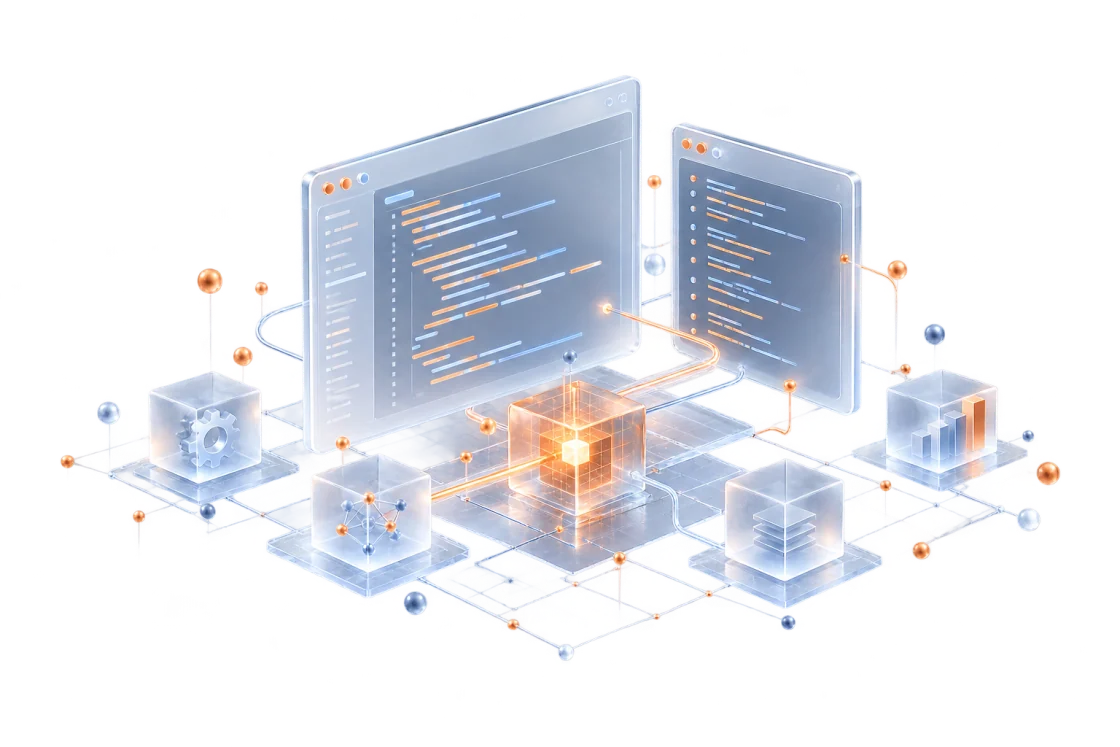
lucky webAn AI coding workspace for Web and TUI. Bring project context, file changes and terminal work into your daily development workflow.
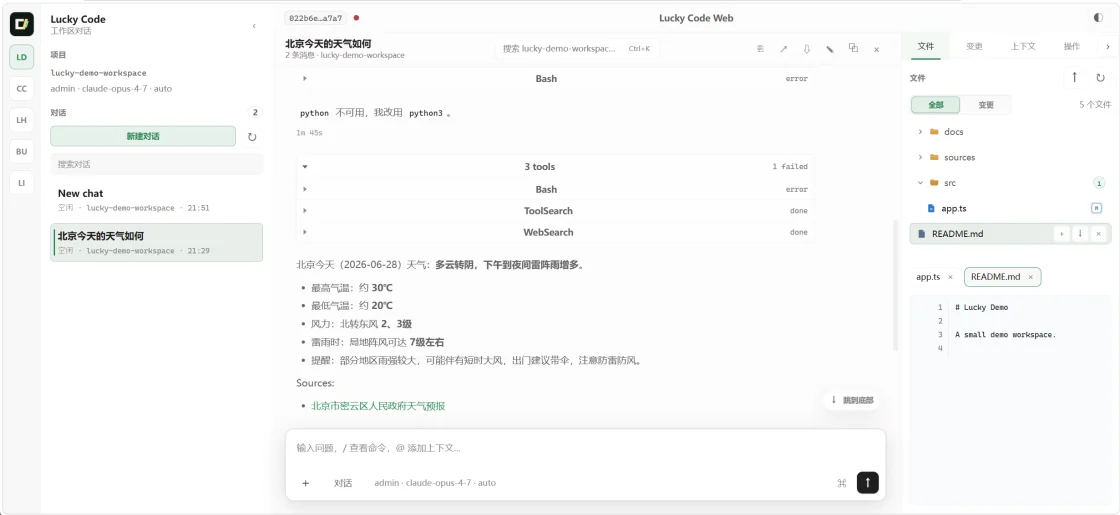
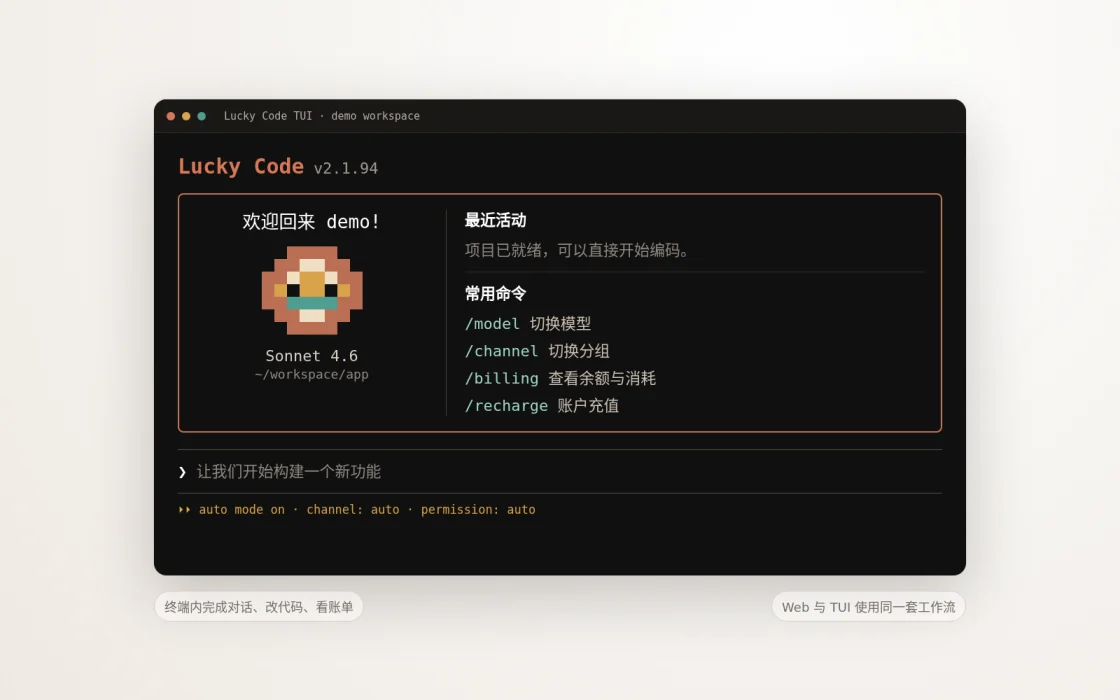
Screenshots from the Lucky Code website. Features and interface may vary by release.
Use the file tree, previews, change review and terminal panel when you need to inspect context and code side by side.
lucky webThe TUI supports continuous conversation in the terminal, with session management, context handling and tools for ongoing work.
luckyFollow the official getting-started guide.
Sign in and check your working directory and model settings.
Describe a task, review file changes and verify the result.